Protect your LLMs with LiteLLM Proxy and 0DIN Susfactor
If you're running LLMs in production, you already know the uncomfortable truth: you can't manually review every prompt that reaches your model. Meanwhile, attackers craft prompts designed to override a system's instructions, extract confidential data, or trick the model into producing harmful content. You need a way to monitor inputs and catch these attacks. This is where SusFactor comes in: a lightweight guardrail classifier that sits in front of your AI-based system wherever it's deployed, scores every prompt for suspiciousness, and flags prompt injections and jailbreak attempts before they ever reach the LLM.
A guardrail only works if it's easy to deploy where your traffic already flows. LiteLLM is a popular open-source proxy that gives teams a single API to route requests across LLM providers. It supports custom guardrails as callbacks. litellm-shield is the plugin package that runs SusFactor as one of those guardrails: install it, drop it into your proxy config, and every prompt gets scored before it hits the model, with no changes to your application code. This post covers that integration at a high level; for the full step-by-step setup guide, see the package.
litellm-shield, in Practice
Drop it into a LiteLLM proxy config and it self-registers, no guardrails: block required to get protection on day one. Three modes, set per deployment:
- block: reject the request before it reaches the model.
- flag (default): let the request through, attach a decision header and structured log entry, let downstream systems decide.
- shadow: score everything, act on nothing. This is how we'd run it for the first two weeks in any new environment: watch what it would have blocked before letting it block anything.
Every decision lands in your existing observability stack: Langfuse, Datadog, OTel. And it fails open by default: if the classifier errors, requests still get through. A broken guardrail should degrade to no guardrail, not to an outage.
Explore AI security with the Scanner Datasheet
The datasheet offers insight into the challenges and solutions in AI security.
Download Datasheet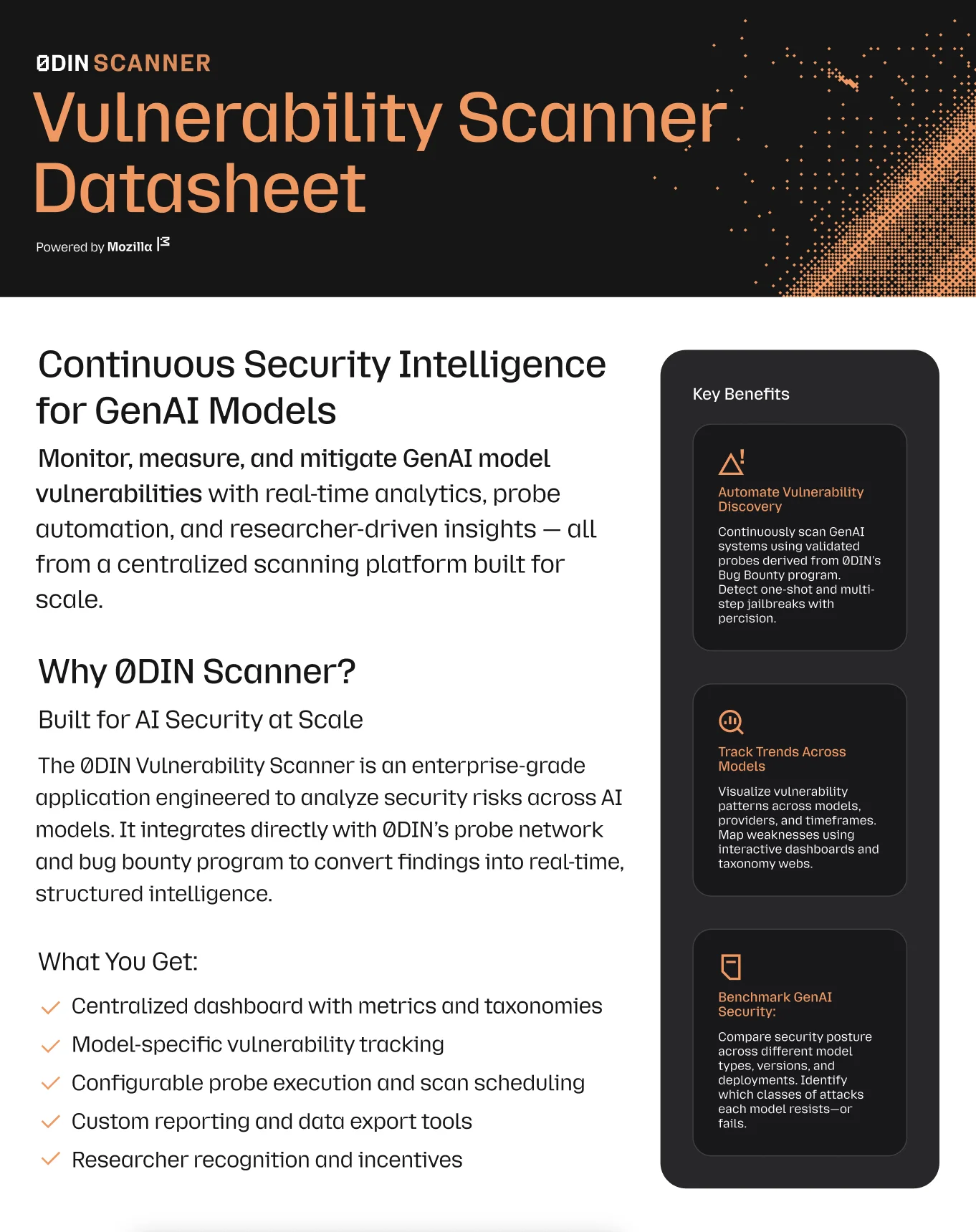
How SusFactor Runs Alongside LiteLLM
litellm-shield hooks into LiteLLM's during_call guardrail lifecycle stage. LiteLLM guardrails can run at three points: pre_call (before the request goes anywhere), during_call (concurrently with the upstream model call), and post_call (after the model responds). Most guardrails default to pre_call (score first, then call the model), which means their latency stacks directly on top of the model's own response time.
during_call does something different: it kicks off the SusFactor scan and the model request at the same time, and waits on whichever finishes last. Since scoring a prompt takes milliseconds and generating a model response takes hundreds of milliseconds to seconds, the model call is always the long pole. The guardrail's own time effectively disappears into that wait.

Concretely: the classifier itself runs in about 15.6ms at the median, 23.9ms at P95, and 26.5ms at P99, entirely on CPU. Because it runs in parallel rather than in sequence, the user only experiences whichever is slower, the guardrail or the model, not both added together: total latency is max(guardrail, model). At these numbers the guardrail is never the slower one, so it adds nothing perceptible on top of the model's own response time.
Setting It Up
The install is one dependency:
pip install "litellm[proxy]" "0din-litellm-shield"
That's enough to get litellm-shield running in flag mode with no additional config. For the full walkthrough (proxy config, mode selection, and observability wiring), see the complete setup guide in our docs.
Safeguard Your GenAI Systems
Connect your security infrastructure with our expert-driven vulnerability detection platform.
SusFactor Runs Wherever ONNX Does
You're not locked into one integration path. SusFactor runs as an ONNX model, so it drops in wherever you're already set up: native SDKs for Python, Rust, TypeScript, and Go, or straight into a LiteLLM proxy.
However You Want the Benefit
Self-hosting the model is about letting you run it yourself. But standing up inference infrastructure just to find out whether a guardrail is worth adopting is a real barrier, and you shouldn't have to clear it before getting any value.
If you'd rather not run anything yet, request access to our hosted trial: same model, same scoring, no infrastructure on your end. Once access is approved, you're just using the model. No sales call in the way.
Worth being direct about data: self-hosting sends nothing to 0DIN, ever. The hosted trial works differently by design: it's a testing environment, not a production instance, so don't route personal data or real production traffic through it. Your trial prompts aren't used to train our models.
If you're evaluating this for a production deployment and want a version trained continuously on our live threat feed rather than the frozen self-hosted download, that's a separate conversation. Reach out for a demo.
What's Next
litellm-shield is one way to run SusFactor. It won't be the only integration guide we publish. More are coming as we cover the other places this runs. For the complete setup guide, see our docs.
0DIN is a GenAI bug bounty program dedicated to securing AI systems by harnessing the collective expertise of the global security community. Learn more at 0din.ai.
Try It Yourself: Request access to the hosted trial, or reach out about production deployment.